How to Scrape Social Media Data with AI Tools 2026
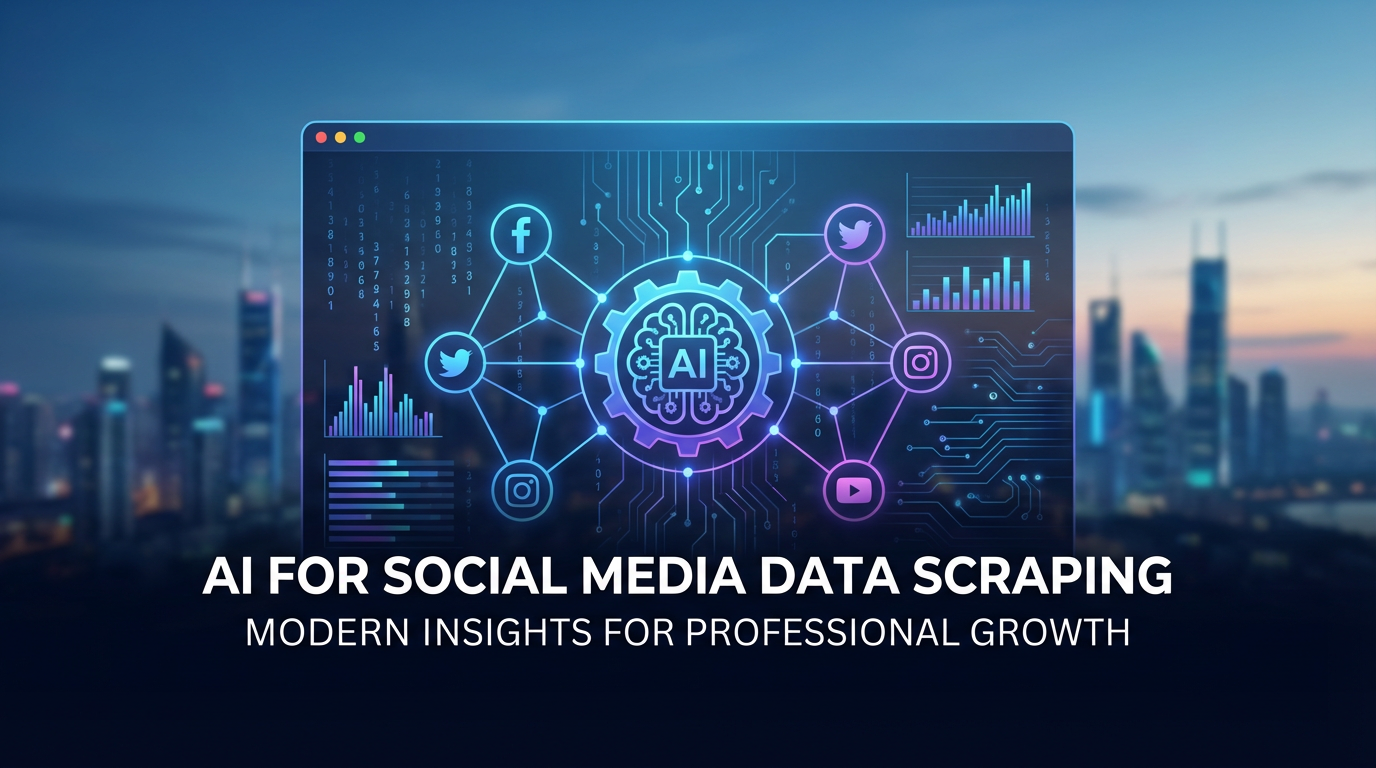
Social media platforms contain massive amounts of valuable data. Every tweet, post, and comment holds insights about customer preferences, market trends, and competitor activities. But manually collecting this data is nearly impossible at scale.
This is where AI-powered social media scraping comes in. Instead of copying data by hand or writing complex code, you can use intelligent tools to extract information automatically. Whether you need Twitter engagement metrics, Instagram user profiles, or LinkedIn company data, AI makes it simple.
In this guide, you will learn how to scrape social media data using modern AI tools. We will cover the major platforms, legal considerations, and practical techniques you can use today.
Twitter and X Scraping with AI
Twitter (now X) is one of the most scraped social platforms. Its real-time nature makes it valuable for news monitoring, brand tracking, and sentiment analysis. Here is how to extract Twitter data with AI tools.
What Twitter Data Can You Scrape
Public Twitter data includes tweets, retweets, likes, replies, user profiles, follower counts, and hashtag usage. You can extract data from specific accounts, search results, trending topics, or hashtag feeds.
Scraping Twitter with AI Web Scraper
AI Web Scraper makes Twitter data extraction simple. Navigate to any Twitter profile or search page, open the extension, and describe what you want to collect.
Example Scraping Instructions:
- "Extract all tweets, timestamps, and engagement counts"
- "Get usernames, bios, and follower counts from search results"
- "Collect tweet text and reply counts from this hashtag feed"
Common Twitter Scraping Use Cases
Brand Monitoring: Track mentions of your company or products in real-time. Collect tweets containing your brand name to respond quickly to customer issues or viral moments.
Competitor Analysis: Scrape competitor Twitter accounts to analyze their posting strategy, engagement rates, and content themes.
Trend Research: Extract data from trending hashtags to understand what topics are gaining traction in your industry.
Customer Research: Scrape tweets about specific products or pain points to understand customer needs and preferences.
Handling Twitter Pagination
Twitter uses infinite scroll to load more content. AI Web Scraper detects this pattern automatically. Simply enable pagination during setup, and the tool will scroll and collect data across hundreds of tweets without manual intervention.
Instagram Data Extraction
Instagram is visual, but the data behind those images is incredibly valuable. Engagement metrics, captions, hashtags, and user information tell powerful stories about audience behavior and content performance.
Types of Instagram Data to Extract
Public Instagram data includes post captions, likes, comments, hashtags, post timestamps, and user profile information like bio, follower count, and following count. Note that you should only scrape public accounts and respect user privacy.
Scraping Instagram Posts
To scrape Instagram posts, navigate to a profile page, hashtag feed, or location page. Use AI Web Scraper to select the data elements you want to extract. The AI recognizes patterns like engagement numbers, captions, and usernames automatically.
Instagram Data Points You Can Extract:
- Post captions and descriptions
- Like counts and comment counts
- Hashtags used in posts
- Post timestamps and dates
- Usernames and profile links
- Location tags
Instagram Profile Scraping
Scrape profile data to build lists of influencers, competitors, or potential customers. Extract bio information, follower counts, and contact details from public business profiles. This data powers influencer marketing campaigns and competitor research.
Hashtag Analysis
Track hashtag performance by scraping posts from specific tags. Analyze which content types get the most engagement, identify top contributors to hashtags, and discover trending topics in your niche.
Instagram Stories and Reels
Stories disappear after 24 hours, making them harder to track. AI scraping tools can capture story data while it is live, including view counts and engagement. Reels data includes views, likes, and comments, similar to regular posts.
LinkedIn and Other Platforms
Beyond Twitter and Instagram, AI scraping tools work on LinkedIn, Facebook, TikTok, YouTube, Reddit, and Pinterest. Each platform offers unique data valuable for different business purposes.
LinkedIn Scraping for B2B
LinkedIn is the premier platform for B2B data. You can extract company information, job postings, employee counts, and professional profiles. This data powers sales prospecting, recruitment, and competitive intelligence.
Read our complete LinkedIn scraping guide for detailed techniques on extracting professional data.
Facebook Page Data
Scrape public Facebook pages to monitor competitor activity, track page likes and engagement, and collect customer reviews. Business pages often contain contact information, hours, and location data useful for local market research.
TikTok Analytics
TikTok is the fastest-growing social platform. Scrape video views, likes, comments, and shares to understand viral content patterns. Track trending sounds and hashtags to inform your content strategy.
YouTube Metadata
Extract video titles, descriptions, view counts, likes, and comments from YouTube channels. This data helps analyze competitor video strategies, identify trending topics, and optimize your own video content for better performance.
Reddit and Forums
Reddit contains honest discussions about products, services, and industries. Scrape subreddit posts and comments to gather unfiltered customer opinions, identify pain points, and discover content ideas that resonate with your target audience.
Legal Considerations
Social media scraping exists in a complex legal environment. While scraping public data is generally legal, you must respect platform terms of service and data privacy laws.
Respect Terms of Service
Each social platform has terms of service that govern automated data collection. Twitter, Instagram, and LinkedIn all have specific rules about scraping. Review these terms before beginning any scraping project.
Only Scrape Public Data
Never scrape private accounts, direct messages, or data behind login walls without permission. Focus on publicly visible content that anyone could see by visiting the platform. This keeps your scraping ethical and legally sound.
Data Privacy Laws
Regulations like GDPR in Europe and CCPA in California protect personal data. If you collect data about EU or California residents, you must comply with these laws. This includes providing data deletion options and being transparent about data collection.
Rate Limiting and Respect
Aggressive scraping can overwhelm platform servers and get your IP address blocked. Use reasonable rate limits, scrape during off-peak hours, and respect robots.txt files. Ethical scraping means being a good citizen of the web.
How You Use the Data Matters
The technology of scraping is legal, but how you use the data can create legal issues. Do not use scraped data for spam, harassment, or creating fake accounts. Use data for legitimate business purposes like market research and competitive analysis.
Best Practices for Social Scraping
Follow these best practices to get the most value from your social media scraping while staying ethical and effective.
Be Specific with Data Requirements
Vague instructions lead to poor results. Instead of saying "scrape Instagram data," specify exactly what you need: "extract post captions, like counts, and usernames from this hashtag feed." Specific instructions help AI tools extract exactly what you need.
Test Before Scaling
Always run a small test scrape before collecting thousands of records. Verify the data quality, check that fields are extracting correctly, and ensure the output format meets your needs. Fix issues on a small scale before committing to large data collection.
Handle Dynamic Content
Social platforms load content dynamically with JavaScript. Make sure your scraping tool waits for content to load before extracting. AI Web Scraper handles this automatically by running in a real browser environment.
Store Data Securely
Scraped social media data can contain personal information. Store it securely, limit access to authorized team members, and follow your company's data protection policies. Delete data when it is no longer needed.
Keep Data Fresh
Social media data gets stale quickly. Set up regular scraping schedules to keep your data current. Weekly or monthly updates work well for most use cases. Track changes over time to spot trends and patterns.
Combine Multiple Data Sources
Do not rely on a single platform. Scrape Twitter for real-time sentiment, Instagram for visual trends, and LinkedIn for professional insights. Combining data from multiple sources gives you a complete picture.
Frequently Asked Questions
1. Is it legal to scrape social media data?
Scraping publicly available social media data is generally legal, but you must respect platform terms of service and data privacy laws like GDPR. Only collect data that is publicly visible, avoid private accounts, and never scrape personal information without consent. Always check each platform's robots.txt file and terms of service before scraping.
2. Can AI tools scrape Twitter and Instagram without coding?
Yes! AI-powered tools like AI Web Scraper allow you to extract data from Twitter, Instagram, and other platforms without writing any code. Simply describe what data you want in plain English, and the AI handles the technical details. You can extract tweets, user profiles, hashtags, engagement metrics, and more with just a few clicks.
3. What data can I extract from social media platforms?
You can extract various public data including user profiles, post content, engagement metrics (likes, comments, shares), hashtags, follower counts, timestamps, and location data. This information is valuable for market research, competitor analysis, sentiment tracking, and influencer marketing campaigns.
4. How accurate is AI social media scraping?
Modern AI scraping tools achieve 90-95% accuracy for extracting structured data like usernames, post text, and engagement numbers. AI understands page layouts semantically, so it adapts when websites update their design. Always verify a sample of your data before scaling up your scraping operation.
5. Do social media platforms block scrapers?
Major platforms use anti-bot measures to detect and block automated scraping. However, AI-powered scrapers that run in real browsers and mimic human behavior patterns can avoid detection. Using proper rate limiting, rotating user agents, and respecting platform guidelines helps prevent blocks while maintaining ethical scraping practices.
6. How can businesses use scraped social media data?
Businesses use social media data for competitor monitoring, brand sentiment analysis, influencer identification, trend forecasting, customer research, and lead generation. Marketing teams track campaign performance, product teams gather user feedback, and sales teams identify potential prospects through social listening.
Final Thoughts
Social media data is too valuable to ignore. It contains real-time insights about your market, competitors, and customers that you cannot get anywhere else. AI-powered scraping tools make this data accessible to everyone, regardless of technical skill.
Whether you are tracking brand mentions on Twitter, analyzing Instagram engagement, or building prospect lists from LinkedIn, AI Web Scraper simplifies the process. You describe what you want, and the AI extracts the data. No coding required.
Remember to scrape ethically. Only collect public data, respect platform terms of service, and use the information responsibly. When done right, social media scraping becomes a powerful tool for business intelligence and market research.
Ready to start collecting social media data? Try AI Web Scraper today and extract valuable insights from Twitter, Instagram, LinkedIn, and more.